


Planning your email marketing efforts without a calendar is like driving cross-country without GPS. You might eventually reach your destination, but you’ll waste time, miss key turns, and arrive stressed. A successful email marketing calendar acts as a strategic tool that provides structure, enhances consistency, and aligns your marketing efforts with sales, making it essential for small businesses and nonprofits aiming to engage subscribers effectively throughout 2026.
This step by step guide walks you through building a practical email calendar that connects your marketing goals to real dates, keeps your team aligned, and drives measurable results using tools you already have.

Key Takeaways
An email marketing calendar is a shared schedule of every planned marketing email—newsletters, promos, product launches, and events—mapped across 2026 to keep marketing teams aligned and subscribers consistently engaged. Using a shared email marketing calendar improves workflow, collaboration, and campaign planning across marketing activities, especially when other teams such as social media, product, and content teams are involved to ensure proper coordination. It serves as your single source of truth for what messages go out, when they send, and who receives them.
Small businesses and nonprofits can build a full-year calendar in under an hour using simple tools like Google Sheets, Google Calendar, or VerticalResponse’s scheduling and automation features. The key is establishing a repeatable monthly planning routine rather than creating an elaborate system you’ll abandon by March.
The calendar should focus on manual broadcast campaigns and major campaigns requiring active planning—not every automated thank-you, receipt, or welcome email. This keeps your calendar view clean and actionable, showing only the sends that need human attention.
Tying emails to real dates transforms a generic schedule into a revenue- and donation-driving plan. Anchor your upcoming campaigns to Mother’s Day (May 10, 2026), Back-to-School season (August 2026), Black Friday (Nov 27, 2026), and GivingTuesday (Dec 1, 2026) to capture subscriber attention when they’re most ready to act.
VerticalResponse email marketing software can serve as your hub for the entire year: plan your email calendar, then schedule sends, automate follow ups, and track opens, clicks, and conversions in one place without juggling multiple platforms.
What Is an Email Marketing Calendar?
An email marketing calendar is a visual schedule of all your planned marketing emails over a defined period—typically a quarter or full year—including send dates, audiences, goals, and owners. Think of it as mission control for your email marketing strategy.
It functions like a content calendar or editorial calendar but focuses exclusively on email marketing campaigns: newsletters, promotional emails, product launches, nonprofit appeals, and event reminders. Unlike your automated emails running in the background, these are the broadcasts that require active planning and execution.
Each calendar entry should show these core data points:
- Send date and time
- Campaign name
- Email type (newsletter, promo, appeal, announcement)
- Primary goal (sell new course, get donations, drive event signups)
- Target audience segment
- Subject lines draft
- Owner assignment
- Project status (Planning, Drafting, Scheduled, Sent)
The calendar should be shared across marketing, sales, fundraising, and leadership so everyone sees when subscribers will be contacted and what relevant messages they’ll receive. When integrated with a platform like VerticalResponse, your calendar also maps to automated workflows, landing pages, and social media posts supporting each email.
The Top Benefits of Using an Email Marketing Calendar
A calendar reduces chaos, prevents list fatigue, and makes email revenue and engagement more predictable. Here’s why marketing calendars matter for your email marketing schedule.
Scheduling and cadence control. Mapping every send—weekly Tuesday newsletter, monthly promotion, quarterly launch—makes it easy to avoid long gaps or sudden bursts of emails that spike unsubscribes by 15% or more. Your email schedule becomes intentional rather than reactive.
Team alignment. A shared calendar keeps owners, writers, designers, and approvers aligned on deadlines. That July 4, 2026 sale or spring fundraiser doesn’t get rushed at the last minute because everyone saw it coming for weeks.
Strategic planning. The calendar forces you to plan email campaigns around concrete milestones—seasonal promotions, product releases, or board-approved fundraising goals. You’re executing a marketing strategy, not just sending emails randomly.
Performance tracking. When you record results (open rate, click through rates, revenue, donations) on the calendar, you quickly identify which months or relevant themes worked best. Those insights inform decisions about what to repeat or expand.
Reduced stress for small teams. For organizations with limited staff, a calendar turns “What do we send this week?” into simply following the plan. Studies show structured calendars reduce planning time by up to 40% and boost revenue predictability.
How to Create an Email Marketing Calendar for 2026
This section walks through a practical, step-by-step creation process any small business or nonprofit can complete for the rest of 2026. The steps are tool-agnostic but work especially well when combined with VerticalResponse’s scheduling, marketing automation, and reporting features.
You’ll learn how to create an email marketing calendar by choosing a tool, defining goals and key performance indicators, mapping key dates, deciding cadence, and adding ownership fields. The examples show campaign planning from May–December 2026 for both a local retailer and a small nonprofit.
Step 1: Choose Where Your Email Calendar Will Live
The best tool is the one your team will actually open daily. Prioritize simplicity and shareability over complex features.
Google Sheets works as the default for most teams. Create 12 tabs (May–Dec 2026 if starting midyear, or full Jan–Dec) with columns for Date, Campaign Name, Email Type, Goal, Audience, Owner, Status, Subject Line, and Results. This spreadsheet software handles everything from simple overviews to detailed tracking.
Google Calendar works in parallel or instead. Create a dedicated calendar named “Email Marketing 2026” and add events for each send date, color-coded by type. Blue for newsletters, red for promos, green for appeals—whatever system makes sense for your marketing activities.
Within VerticalResponse, mirror this structure by creating draft campaigns and scheduled sends that align with your calendar view. Tags and folders organize campaigns by month or theme.
Small teams should start with one simple master calendar. Larger organizations can create separate calendars per brand or region but should maintain an overall master view for calendar management.
Step 2: Define Your Email Goals and KPIs
Each email on the calendar should have one primary purpose, making results easier to measure and optimize through informed decisions.
Example 2026 goals for small businesses: Using proven newsletter strategies and tools can help you hit these targets more reliably.
- Increase online store revenue from email by 20% between May–December 2026
- Grow newsletter list by 1,000 subscribers by October 31, 2026
- Drive 500 event registrations through email by year-end
Example goals for nonprofits: Eligible 501(c)(3) organizations can stretch their budgets further by enrolling in VerticalResponse’s nonprofit discount program.
- Raise $30,000 from year-end email appeals in November–December 2026
- Increase volunteer signups by 25% for summer programs (June–August 2026)
- Boost donor retention rate by 15% through regular communication
Crucial metrics to track in your calendar:
- Open rate (industry average 21-25%)
- Click-through rate (2-3% benchmark)
- Conversion rate (purchase, donation, registration)
- Revenue or donation amount
- Unsubscribe rate (keep below 0.5%)
Reserve a “Results” column in your calendar template to log these KPIs within a week of each send, using resources on writing high-performing email subject lines and VerticalResponse reporting as the source of truth.
Step 3: Map Key 2026 Dates and Seasons
This step transforms your calendar from a blank grid into a roadmap by anchoring specific campaigns to important dates, seasons, and internal milestones.
Major retail dates for 2026:
- Memorial Day: May 25, 2026
- Independence Day: July 4, 2026
- Back-to-School: Late July–August 2026
- Halloween: October 31, 2026
- Black Friday: November 27, 2026
- Cyber Monday: November 30, 2026
- Christmas: December 25, 2026
- New Year’s Eve: December 31, 2026
Important nonprofit and giving dates:
- GivingTuesday: December 1, 2026
- Fiscal year-end: June 30, 2026 (for many organizations)
- Industry events and galas specific to your cause
For a boutique, schedule a teaser email (November 20), main sale email (November 27), and last-chance reminder (November 29) around Black Friday. For a nonprofit, plan a 3-part GivingTuesday series: save-the-date (November 25), day-of appeal (December 1), and thank-you recap (December 3).
Internal dates—product launches, new service rollouts, major events—belong on the calendar alongside public holidays so campaigns support overall business goals.
Step 4: Decide on Your Email Cadence
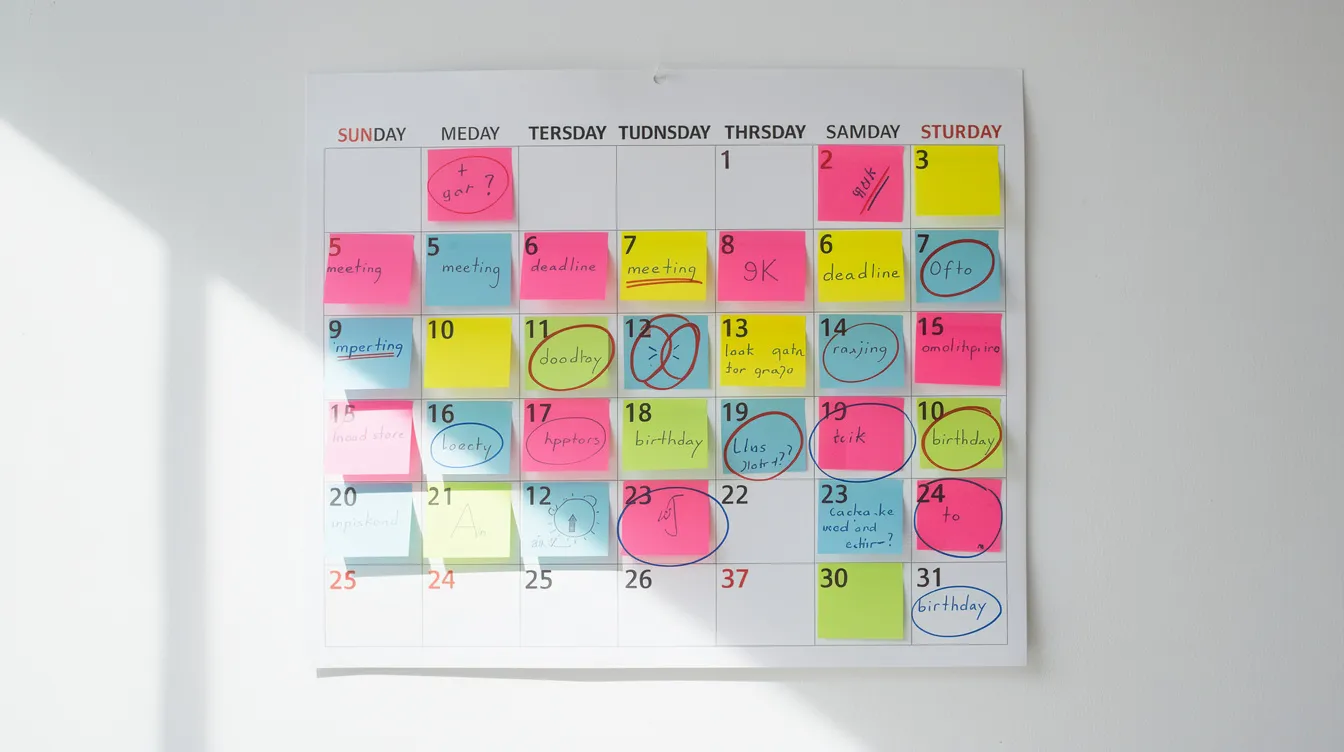
Email frequency decisions affect engagement and unsubscribe rates and should be visible on the calendar from day one.
Baseline guidance for small businesses: A monthly newsletter (first Tuesday of each month at 10 a.m. local time) plus one or two promo emails around key events. Weekly sends work for e-commerce if you’re delivering genuine value, not just sales pitches.
Baseline guidance for nonprofits: A monthly impact or story email, quarterly fundraising pushes (June fiscal year-end, September back-to-school, November Thanksgiving, December year-end), and event-specific emails as needed for timely content.
Example May–December 2026 cadence: One recurring anchor send (monthly newsletters) with extra sends during high-value moments like November (4-6 emails) and December (3-4 emails). This balances regular communication with seasonal intensity.
Review your calendar from the subscriber’s perspective. Avoid sending three unrelated emails in the same week to the same segment unless it’s part of a coordinated new campaign. Your target audience will appreciate the restraint.
Step 5: Assign Owners, Deadlines, and Statuses
The calendar becomes operational when each entry shows who is responsible and when each task must be done—not just when the email goes out.
Add these columns:
- Owner
- Draft Due Date
- Design Due Date
- Approval Due Date
- Status (Planning, Drafting, In Review, Scheduled, Sent)
Example calendar entry for “Summer Clearance Sale – June 14, 2026”:
|
Field |
Value |
|---|---|
|
Owner |
Marketing Manager |
|
Draft Due |
June 3 |
|
Design Due |
June 5 |
|
Approval Due |
June 7 |
|
Schedule Date |
June 10 |
Even if one person wears multiple hats, separating roles in the calendar makes workload visible and prevents last-minute crunch. Sync these dates with VerticalResponse’s scheduling tools so writers and approvers get notifications ahead of key milestones.
Email Marketing Calendar Examples and Simple Email Marketing Calendar Template Ideas
There’s no single “right” format. Most teams choose between a simplified overview calendar and a detailed execution calendar—or use both together through related templates.
These examples show two sample structures: a high-level monthly overview and a more detailed spreadsheet-style approach. Both can be recreated in Google Sheets or adapted using customizable templates within VerticalResponse’s campaign list.
Example 1: Simple Monthly Overview Calendar
This “bird’s-eye” format shows just the essentials: date, campaign name, email type, and primary audience. Each month gets a one-page view listing 4-8 emails for a lean but consistent schedule.
August 2026 for a local retailer: The month includes details like weekly “August Style Tips” newsletters on Tuesdays, a Back-to-School sale kickoff email mid-month (August 15), and a Labor Day teaser at month’s end (August 28). Four to six sends keep subscribers engaged without overwhelming them.
November 2026 for a nonprofit: The month includes a monthly impact newsletter (November 3), Thanksgiving gratitude email (November 24), GivingTuesday pre-save-the-date (November 25), GivingTuesday day-of appeal (December 1), and a follow-up thank-you (December 3). This sequence builds momentum toward year-end giving.
This simplified approach saves time and works well for busy teams managing multiple channels.
Example 2: Detailed Spreadsheet-Style Calendar
This format suits teams needing more control, testing, and reporting detail to manage campaigns week to week as part of their email planning process.
Recommended columns:
|
Column |
Purpose |
|---|---|
|
Month |
Organization |
|
Date |
Send date |
|
Send Time |
Specific timing |
|
Campaign Name |
Identification |
|
Email Type |
Category |
|
Goal |
Primary objective |
|
Audience Segment |
Targeting |
|
Subject Line |
Email content preview |
|
Preheader |
Supporting copy |
|
Offer/Theme |
Core message |
|
Required Assets |
Landing page, coupon code |
|
Owner |
Responsibility |
|
Status |
Progress tracking |
|
Key Results |
Post-send metrics |
|
Add a “Variant” column (A/B) and “Winner” note to record which subject lines or offers performed better for an effective email marketing campaign. |
|
Example row: Black Friday Doorbuster – Nov 27, 2026 – Promo – “Early Access Black Friday: 40% Off Storewide” – Audience: all customers – Goal: $20,000 revenue – Owner: Alex – Status: Drafting.
Integrate this spreadsheet with VerticalResponse reporting by exporting key metrics after each send into the Results columns, and review whether all key components of each email are in place before you schedule.
Tools You Can Use to Manage Your Email Calendar
Most small teams don’t need complex project management software. A combination of a calendar, spreadsheet, and email marketing tools like VerticalResponse handles both planning and execution.
Using Google Calendar for Date-First Planning
Set up a dedicated Google Calendar named “Email Campaigns 2026” to visually map sends and avoid overlapping campaigns. Create events for each email with the subject line or campaign name as the event title, including details like audience, goal, and brief link in the description.
Color-code by type: one color for monthly newsletters, another for promotional campaigns, another for nonprofit appeals. Invite key stakeholders to important campaign events so they approve timing ahead of big launches. Set reminders a few days before send for final testing and content creation checks.
Using a Spreadsheet Template for Detail and Reporting
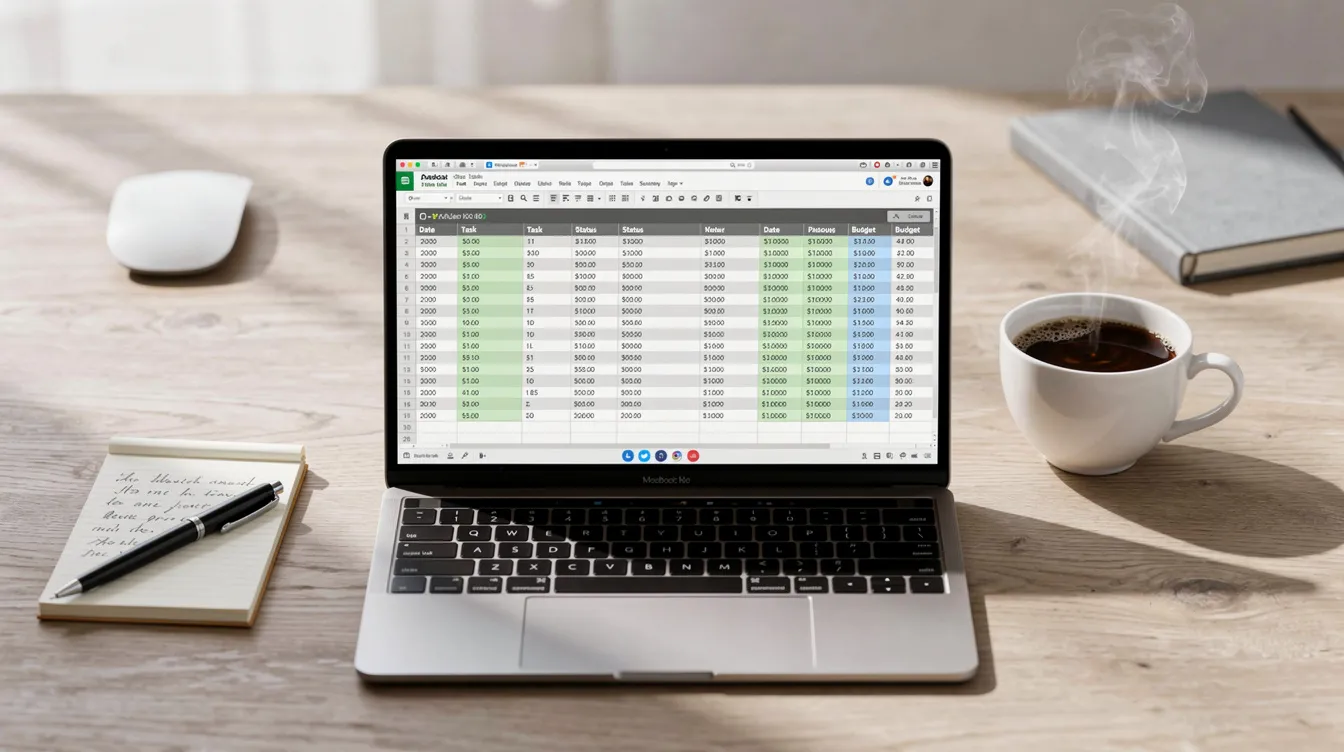
Create a master 2026 email calendar in Google Sheets with one tab per month and a summary tab aggregating team productivity metrics. The summary tab can pull total sends, average open rate, average click rate, and total revenue or donations per month.
Keep each row to one send and avoid complex formulas so non-technical team members can easily update entries. Link each row to the corresponding VerticalResponse campaign URL for faster navigation. This spreadsheet also serves as documentation for audits, board reports, or grant reporting.
Connecting Your Calendar to VerticalResponse
VerticalResponse serves small businesses and nonprofits with email marketing, landing pages, surveys, and direct mail capabilities—everything needed to execute your campaign calendar and connect with customers.
Practical workflow: Plan your May 2026 emails in the spreadsheet, then create each as a draft campaign in VerticalResponse with matching names and scheduled dates in the same session, choosing the email marketing pricing plan that fits your send volume and automation needs. Set up automated follow ups (resend to non-openers, reminders for non-registrants) corresponding to calendar entries labeled “Follow-up #1” or “Follow-up #2.”
Review performance metrics (opens, clicks, conversions) weekly and log them back into the calendar’s Results columns. For users choosing VerticalResponse’s Pro+ Email Marketing service, the calendar doubles as a shared plan to review with your dedicated marketing specialist.
Email Marketing Calendar Best Practices for Small Teams
The goal is keeping your calendar practical and sustainable, not turning it into an administrative burden that you abandon by February.
Focus on Broadcast and Campaign Emails (Not Every Automation)
The calendar should primarily include broadcast emails: newsletters, promotions, launches, appeals, and event reminders. Fully automated evergreen flows—welcome series, abandoned cart, thank-you emails, receipts—run continuously and don’t need a specific date for every send, but they should still follow best practices for effective email components.
Add a single line item for building or revisiting automations: “Update Welcome Series – July 8, 2026.” A retailer includes their July 4 sale blasts but not every cart reminder, keeping the calendar readable and focused on email content requiring human attention.
Use a Consistent Template for Each Entry
Standardize fields for each calendar entry so team members don’t guess what information to include. Create a “template row” at the top of each month for copy-paste consistency.
Consistent formatting makes it easier to scan for gaps in communication, duplicated themes, or clusters of emails targeting the same segment. A nonprofit might notice three donation appeals in one month and convert one into educational content or an impact story instead.
Keep the Calendar Updated and Realistic
Visit the calendar at least once weekly to mark statuses, shift dates, and add campaigns from unexpected opportunities or leadership requests. Plan 4-6 weeks ahead in detail with flexible high-level planning for 2-3 months beyond.
Include a “Notes” field for last-minute changes: “Moved launch from Sept 8 to Sept 15 due to inventory delay.” Flexibility is a feature—the calendar supports smart changes rather than locking you into bad timing.
Reduce Gaps Without Overwhelming Subscribers
Long silence periods hurt engagement and deliverability because subscribers forget who you are. Avoid gaps longer than 3-4 weeks; for active e-commerce and nonprofits, weekly or biweekly email frequency often works well.
Fill quieter months with value-driven content—how-to guides, customer stories, behind-the-scenes updates—instead of pure promotions. Add a “Customer Spotlight” newsletter in July 2026 to maintain engagement between bigger June and August campaigns, and consider how email newsletters have become a powerful relationship channel again. Watch unsubscribe rates in VerticalResponse after cadence changes.
Commit to Using Your Calendar Daily
Treat the calendar as the single source of truth: if a campaign isn’t on the calendar, it shouldn’t go out. Start each week with a 10-15 minute review of the next two weeks of planned sends.
Mark campaigns as “Sent” only after verifying in VerticalResponse that they went out successfully. A small nonprofit might set a recurring Monday 9 a.m. meeting to review the email calendar and previous week’s metrics. Once the habit builds, the calendar saves time and delivers value that far exceeds maintenance effort.
Year-Round 2026 Email Ideas for Small Businesses and Nonprofits
This section provides month-by-month inspiration so your calendar never feels empty. The focus is on the most impactful seasons: spring and early summer, back-to-school, and holiday year-end—all using specific 2026 dates.
Spring and Early Summer 2026 (April–June)
Concrete campaign ideas include “Spring Refresh” product spotlights for retailers, “Tax Season Tips” for service businesses, and “Spring Impact Stories” for nonprofits sharing seasonal wins.
Mother’s Day (May 10, 2026): Gift guide email, “Mother’s Day Weekend” sale, or tribute story campaign for nonprofits supporting families.
Memorial Day (May 25, 2026): Seasonal sales, outdoor event promotions, or remembrance-themed nonprofit content.
For nonprofits with June 30 fiscal year-end, plan a 3-email mini-campaign: early June “We’re close to our goal” appeal, mid-June progress update, and June 29-30 final push. Schedule these in the calendar at least a month ahead for proper content creation time.
Back-to-School and Fall 2026 (August–October)
Examples include back-to-school promotions for retailers, “Fall Maintenance Checklists” for home services, and “Back-to-School Drive” appeals for nonprofits supporting students.
Labor Day (September 7, 2026): Anchor for end-of-summer campaigns with emails scheduled the week before and a last-chance message on the holiday weekend.
Halloween (October 31, 2026): Playful subject lines, limited-time offers, or themed content appropriate to your brand.
Plan at least one educational or value-first email monthly during this period to balance heavy promotional content in November and December.
Holiday and Year-End 2026 (November–December)
November and December require careful planning because they often drive a disproportionate share of annual revenue and donations—holiday campaigns generate 30-50% of annual revenue for many businesses.
Key dates: Thanksgiving (Nov 26), Black Friday (Nov 27), Small Business Saturday (Nov 28), Cyber Monday (Nov 30), GivingTuesday (Dec 1), Christmas (Dec 25), New Year’s Eve (Dec 31).
Retailer sequence: Early November “Holiday Preview,” mid-November gift guide, Black Friday–Cyber Monday sale series, mid-December last-shipping-date reminder, post-Christmas clearance.
Nonprofit sequence: Late November teaser, Nov 30 reminder, Dec 1 GivingTuesday appeal, mid-December impact story, Dec 30-31 final year-end reminder with progress bar.
Plot all of these on the calendar with owners and deadlines by October, then schedule and automate through VerticalResponse well ahead of the rush.

FAQ
These questions address practical concerns readers often have after starting their email marketing calendar planning.
How far in advance should I plan my email marketing calendar?
Most small businesses and nonprofits do well planning 4-6 weeks in detail, with a higher-level outline for the next 3-6 months based on known events and holidays. Major campaigns—like Black Friday or year-end fundraising—should be blocked on the calendar at least 2-3 months ahead, even if messaging is still flexible. Revisit the calendar weekly to refine details and add campaigns as priorities shift.
How many marketing emails per month is too many?
Common starting ranges: 1-2 emails monthly for relationship-based organizations, 2-4 for most small businesses and nonprofits, and weekly or more for active e-commerce brands. The “right” number depends on value delivered and subscriber expectations. Watch unsubscribe and complaint rates in VerticalResponse—consistent spikes mean you need to reduce frequency or improve relevance of relevant emails.
What should I do if I fall behind on my email calendar?
Don’t “catch up” by sending all missed emails in a rush. Instead, restart from the current week and adjust future plans. Use a quick “We’ve been busy” or “What’s new” catch-up newsletter to re-engage subscribers after a long gap. Simplify the calendar for the next 4-6 weeks before gradually rebuilding a fuller schedule.
How do I handle different audiences with one calendar?
One master calendar works if each entry includes a clear “Audience” field (new subscribers, donors, VIP customers, volunteers). Use color-coding or simple tags to show which segments receive each email, preventing overlap and fatigue. VerticalResponse’s segmentation features make targeting these different groups easy even with all campaigns on a single shared calendar.
Can I repurpose content from other channels in my email calendar?
Absolutely. Repurposing content from other marketing channels, such as social media and content marketing, into email campaigns helps maintain engagement and supports broader business goals. Repurpose blog posts, social media post series, webinar recordings, and event content into email campaigns to save time during content creation. Add a “Source Content” column linking to the original asset the email will reference. This approach helps small teams maintain consistent cadence without creating entirely new content every send—especially valuable when using VerticalResponse to keep your entire year of campaigns running smoothly.
© 2026, VerticalResponse. All rights reserved.
