
Close Menu
The LinkxThe Linkx
  • Home
  • Technology
    • Gadgets
    • IoT
    • Mobile
    • Nanotechnology
    • Green Technology
  • Trending
  • Advertising
  • Social Media
    • Branding
    • Email Marketing
    • Video Marketing
  • Shop

Subscribe to Updates

Get the latest tech news from thelinkx.com about tech, gadgets and trendings.

Please enable JavaScript in your browser to complete this form.
Loading
What's Hot

I saved gigabytes of space by turning off this one Pixel feature

March 24, 2026

WhatsApp testing Liquid Glass overhaul on voice message player

March 24, 2026

Disney ends its partnership with OpenAI, signed in December 2025, in w…

March 24, 2026
Facebook X (Twitter) Instagram
Facebook X (Twitter) Instagram Pinterest Vimeo
The LinkxThe Linkx
  • Home
  • Technology
    • Gadgets
    • IoT
    • Mobile
    • Nanotechnology
    • Green Technology
  • Trending
  • Advertising
  • Social Media
    • Branding
    • Email Marketing
    • Video Marketing
  • Shop
The LinkxThe Linkx
Home»Gadgets»I saved gigabytes of space by turning off this one Pixel feature
Gadgets

I saved gigabytes of space by turning off this one Pixel feature

Editor-In-ChiefBy Editor-In-ChiefMarch 24, 2026No Comments2 Mins Read
Share Facebook Twitter Pinterest LinkedIn Tumblr Reddit Telegram Email
I saved gigabytes of space by turning off this one Pixel feature
Share
Facebook Twitter LinkedIn Pinterest Email


The other day, I was attempting to clear up storage space on my (rather digitally cramped) iPhone 15 Pro. I went through the usual steps: deleting screenshots and duplicate photos, archiving lesser-used applications, and transferring text message threads to iCloud. One further move I made to reclaim a few extra gigabytes was to disable Apple Intelligence, which then promptly purged the on-device AI model files from my handset’s system.

Out of curiosity, I then switched over to my Pixel 10, which has its own equivalent set of AI models powered by Google Gemini. After poking around in Settings, I found that these on-device models were taking up a whopping 6.98 GB of internal storage space — roughly in the same ballpark as my iPhone’s 6.27GB Apple Intelligence allotment.

Considering Google’s all-hands-on-deck embrace of artifical intelligence, I was curious whether I’d be able to delete these particular AI Android models natively, or whether doing so would require root access. To my surprise, it turns out that Google lets you outright delete these models on its own Pixel hardware, which can net you back a ton of internal storage capacity.

Note that deleting on-device AI models won’t remove all AI feature sets across your Google Pixel. Many Gemini-powered features, including the main chatbot experience itself, rely on cloud-based AI models and will thus continue to function unless independently disabled.

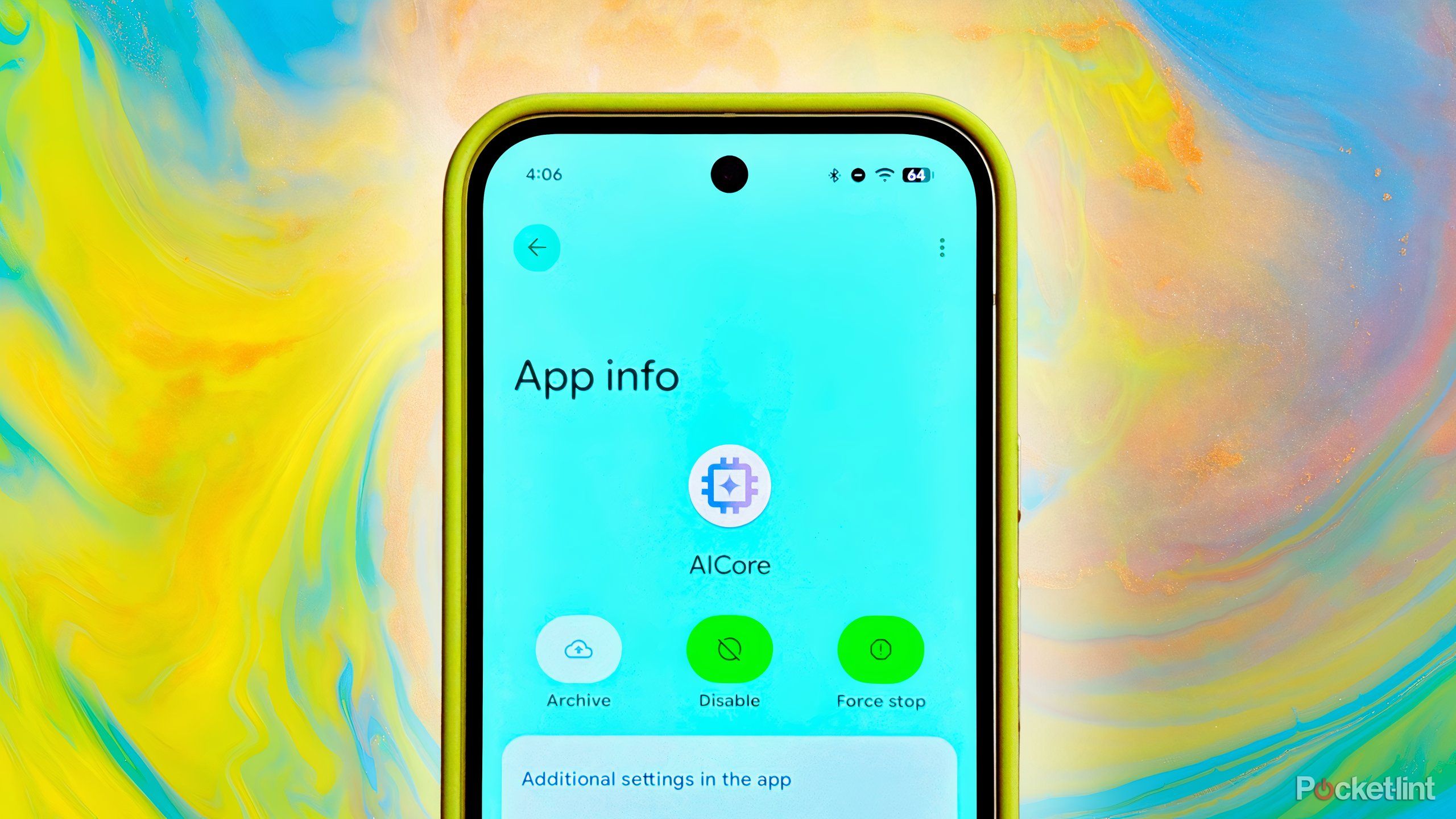
How to clear storage and disable AICore on Google Pixel

The process is far simpler than I expected it to be

To clear internal storage taken up by on-device AI models, and to optionally disable these models as a whole, follow these steps on your Google Pixel:

  1. Launch Settings.
  2. Navigate to Apps > See all apps > AICore
  3. Next, tap or click on the Disable button.
  4. From here, tap or click on Storage & cache > Clear Storage.
  5. Finally, hit the Delete button to confirm your selection.

Note that by clearing storage and cache files, you’ll need to reload several AI-based features from the beginning the next time you interact with them. If you opt to disable AICore, on-device AI features will stop working altogether. If you ever change your mind and decide to re-enable AICore, doing so is as easy as navigating to Settings > Apps > See all apps > AICore > Enable.


Source link

feature gigabytes Pixel Saved Space Turning
Share. Facebook Twitter Pinterest LinkedIn Tumblr Email
Previous ArticleWhatsApp testing Liquid Glass overhaul on voice message player
Editor-In-Chief
  • Website

Related Posts

Gadgets

The Ending of ‘Project Hail Mary’ Teased a Surprising Offscreen Subplo…

March 23, 2026
Gadgets

Crimson Desert developer apologizes and promises to replace AI-generat…

March 22, 2026
Gadgets

How to Create Designs With AI Using an All-in-One Design Tool

March 21, 2026
Add A Comment
Leave A Reply Cancel Reply

Top Posts

New IPA president Karen Martin delivers rousing call to creative actio…

April 1, 2025139 Views

100+ TikTok Statistics Updated for December 2024

December 4, 2024127 Views

How to Fix Cant Sign in Apple Account, Verification Code Not Received …

February 11, 2025102 Views
Stay In Touch
  • Facebook
  • YouTube
  • TikTok
  • WhatsApp
  • Twitter
  • Instagram
Latest Reviews

Subscribe to Updates

Get the latest tech news from thelinkx.com about tech, gadgets and trendings.

Please enable JavaScript in your browser to complete this form.
Loading
About Us

Welcome to TheLinkX – your trusted source for everything tech and gadgets! We’re passionate about exploring the latest innovations, diving deep into emerging trends, and helping you find the best tech products to suit your needs. Our mission is simple: to make technology accessible, engaging, and inspiring for everyone, from tech enthusiasts to casual users.

Our Picks

I saved gigabytes of space by turning off this one Pixel feature

March 24, 2026

WhatsApp testing Liquid Glass overhaul on voice message player

March 24, 2026

Disney ends its partnership with OpenAI, signed in December 2025, in w…

March 24, 2026

Subscribe to Updates

Get the latest tech news from thelinkx.com about tech, gadgets and trendings.

Please enable JavaScript in your browser to complete this form.
Loading
  • About Us
  • Contact Us
  • Disclaimer
  • Privacy Policy
  • Terms and Conditions
© 2026 Thelinkx.All Rights Reserved Designed by Prince Ayaan

Type above and press Enter to search. Press Esc to cancel.